

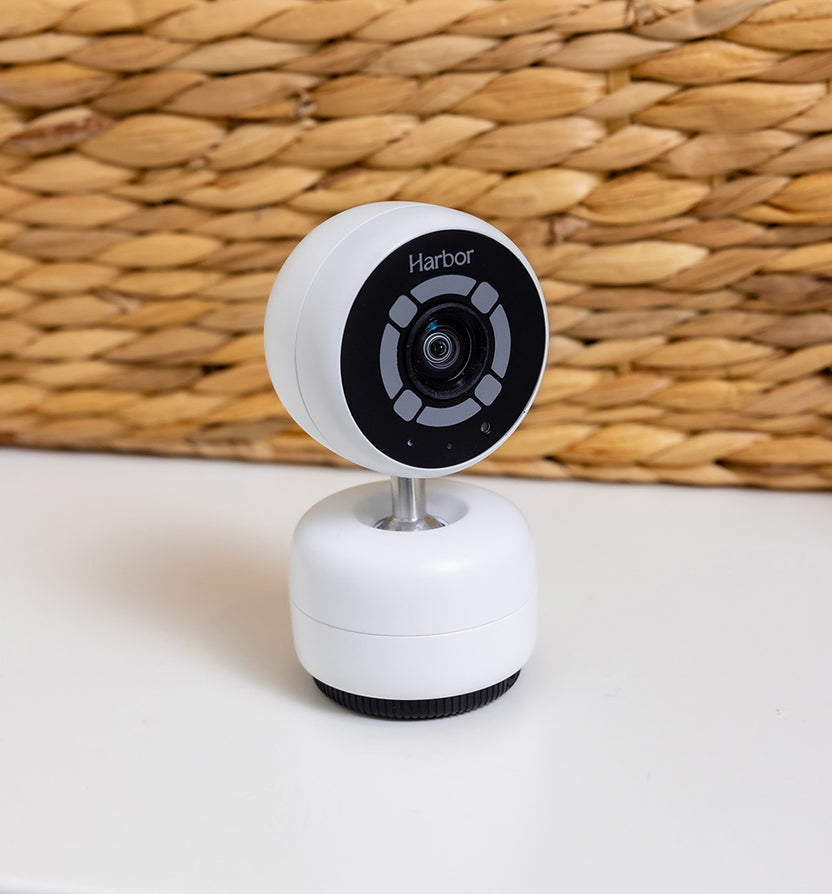

AI Alerting & Sleep Insights are Here!
Your Harbor Camera can now use advanced AI to recognize specific situations in your child’s room and notify you the moment they happen. Coupled with Sleep Insights, get the visibility and peace of mind families deserve.
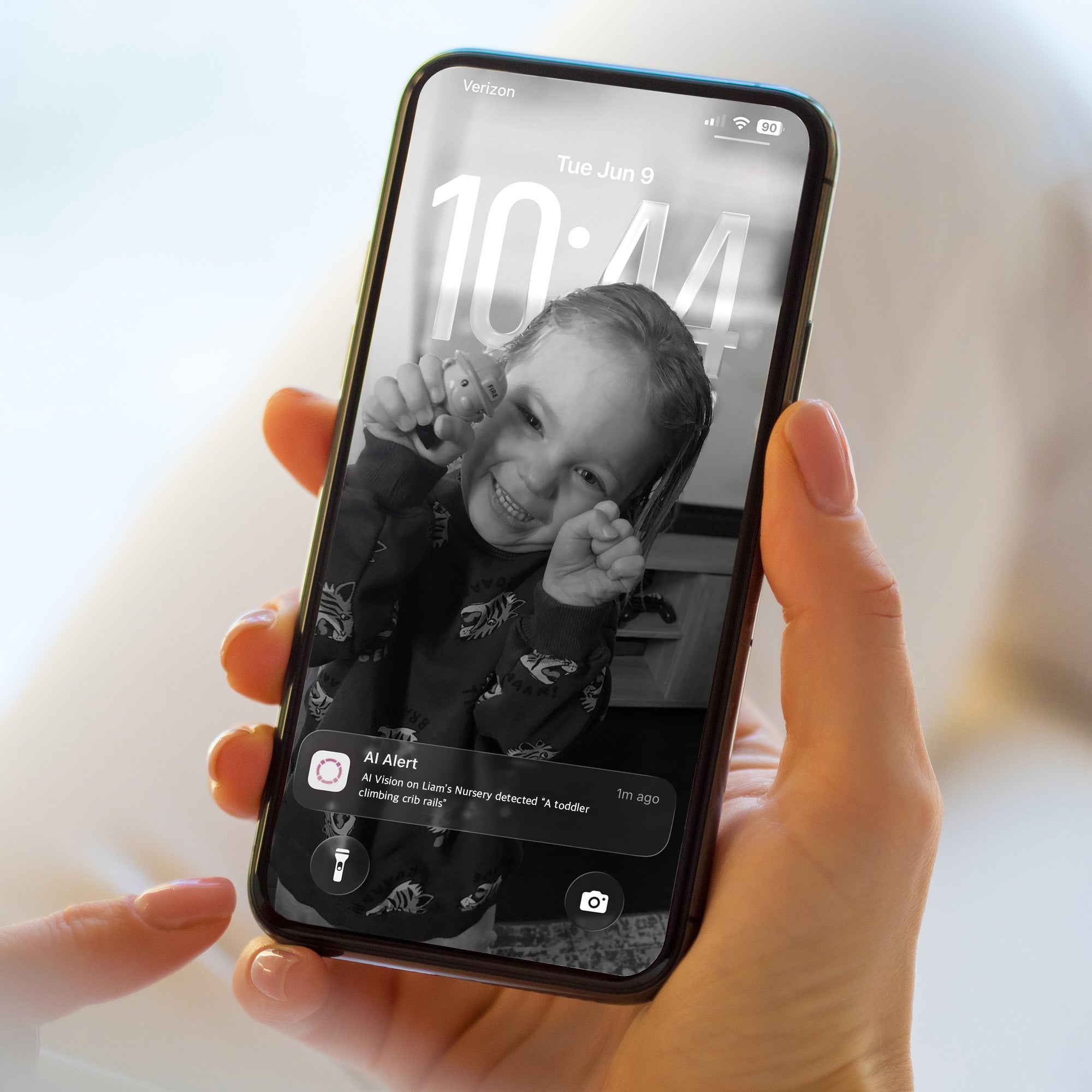
CUSTOM ALERTS
AI Alerting
Your Harbor Camera can now recognize specific actions, sounds, and words to notify you instantly. Turn on custom AI Alerts for things like:
- A child getting out of bed
- A toddler climbing crib rails
- A child saying “help”
- And custom alerts you define (even a dog on a sofa)

CLEARER SLEEP DATA
Sleep Insights
Parents now have a simple, clear way to understand how their child is actually sleeping. Sleep Insights helps you track things like:
- When a child fell asleep
- Their final wake up time
- Total sleep duration
- Night wakings
- Crib removals
- Nightly timelapse recaps
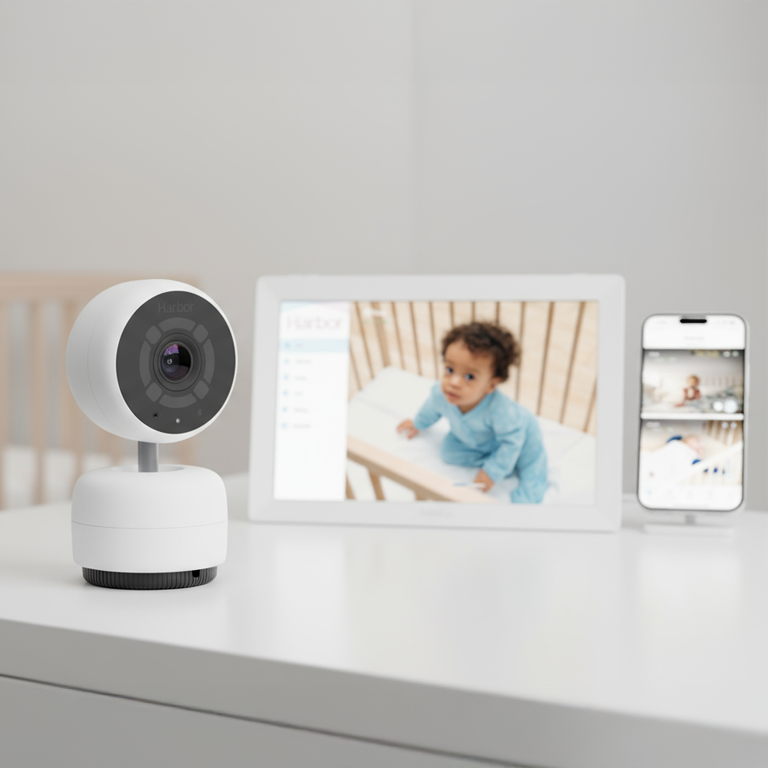
Your Monitor works fully out of the box, with no ongoing fees required.
Unlike Nanit, Owlet, and other baby monitors, Harbor doesn’t lock core features behind a subscription.
That means:
- Unlimited Users & Customized Guest Access
- Recorded Moments & 24-Hour History
- Secure, Encrypted Monitoring
- Full Functionality from Day 1
AI Alerting and Sleep Insights are advanced, optional add-ons for families who want deeper visibility and custom alerting.
Other brands charge you just to use your monitor the way it should work.
Nanit charges for basic access like video history and even make parents pay a separate subscription for EACH camera. Owlet limits access entirely, forcing families to share logins (which isn’t secure).
Harbor includes ALL core features right out of the box.
Basic Harbor Features Included that Other Brands Charge for:
- Customized Guest Access: Day Passes, Weekly Schedules
- Record & Rewind
- History & Moments
- Note: Nanit charges a subscription for EACH camera
Harbor's Core Features, Always Included:
Monitoring & Alerts
- Always on Failsafe Notifications
- Smart Audio - hear nothing until there's an alert
- Apple® Watch Notifications
Video & Viewing
- Works With and Without the Internet
- Streams up to 2k
- Split Screen Views (up to 4 kids)
- Modular - add Cameras and Monitors as your family grows
- Control Volume/Zoom for each Camera
- Use Your Monitor as a Digital Picture Frame
Apps & Access
- Desktop App (compatible with MacOS®/Windows®)
- Mobile App (Compatible with iOS®, Android®)
- Apple® TV Picture-in-Picture
- Apple® Watch Live View
Privacy & Security
- mLTS Encryption
- End-to-End Encryption
Harbor Optional AI Add Ons ($14.99/mo)
- Custom AI Alerts (vision, audio, words)
- Sleep Insights

FAQS
Why do AI Features require a subscription?
We’ve always believed your baby monitor should work fully without a subscription and that hasn’t changed. Everything Harbor has always included is still included.
AI Alerting and Sleep Insights are new, advanced features that require continuous processing, ongoing improvements, and infrastructure to run reliably in real time. Because of that, they’re offered as an optional subscription for families who want that added layer of intelligence.
Do I need a subscription to use my Harbor Monitor?
No! Your Harbor works fully out of the box with no additional subscriptions or fees required. If you’d like our new AI features, you can add them in-app for $14.99/mo.
What happens if I don’t subscribe?
Nothing at all! You’ll continue to have access to all core Harbor features with no interruptions or limitations.
Can I test it out?
Yes! We offer a 14-day free trial. Simply open your Harbor App, ensure your Camera has the latest update, navigate to Camera settings and enable AI Alerts & Sleep Insights.
Can I cancel anytime?
Yes. No contracts or commitments. Cancel directly in the Harbor App.
What kind of alerts can AI Alerting detect?
Create custom alerts for many common visual, audio, and spoken events. Harbor will also suggest prompts that work best with the system.
What if I was a Beta user? How does the subscription work?
You get 2 months on us as a thank you for being a part of the beta. Your 2 months free will be automatically added when you select Ai Alerting in app.
How do I enable AI Alerts & Sleep Insights?
- Open the Harbor Mobile App
- Navigate to Camera Settings, ensure your Camera is on the latest update
- Turn on AI Alerts & Sleep Insights in settings
- For AI Alerts, enter your vision and audio rules, Harbor will suggest prompts for you to use
- Scroll down to the Notifcations section and toggle on AI Alert notifications
- For Sleep Insights, ensure your child is in the frame of the Camera (the App will walk you through the ideal setup)
- Review Sleep Insights under the Care section of your Harbor App