Your Hotel Experience
Direct Mode Only
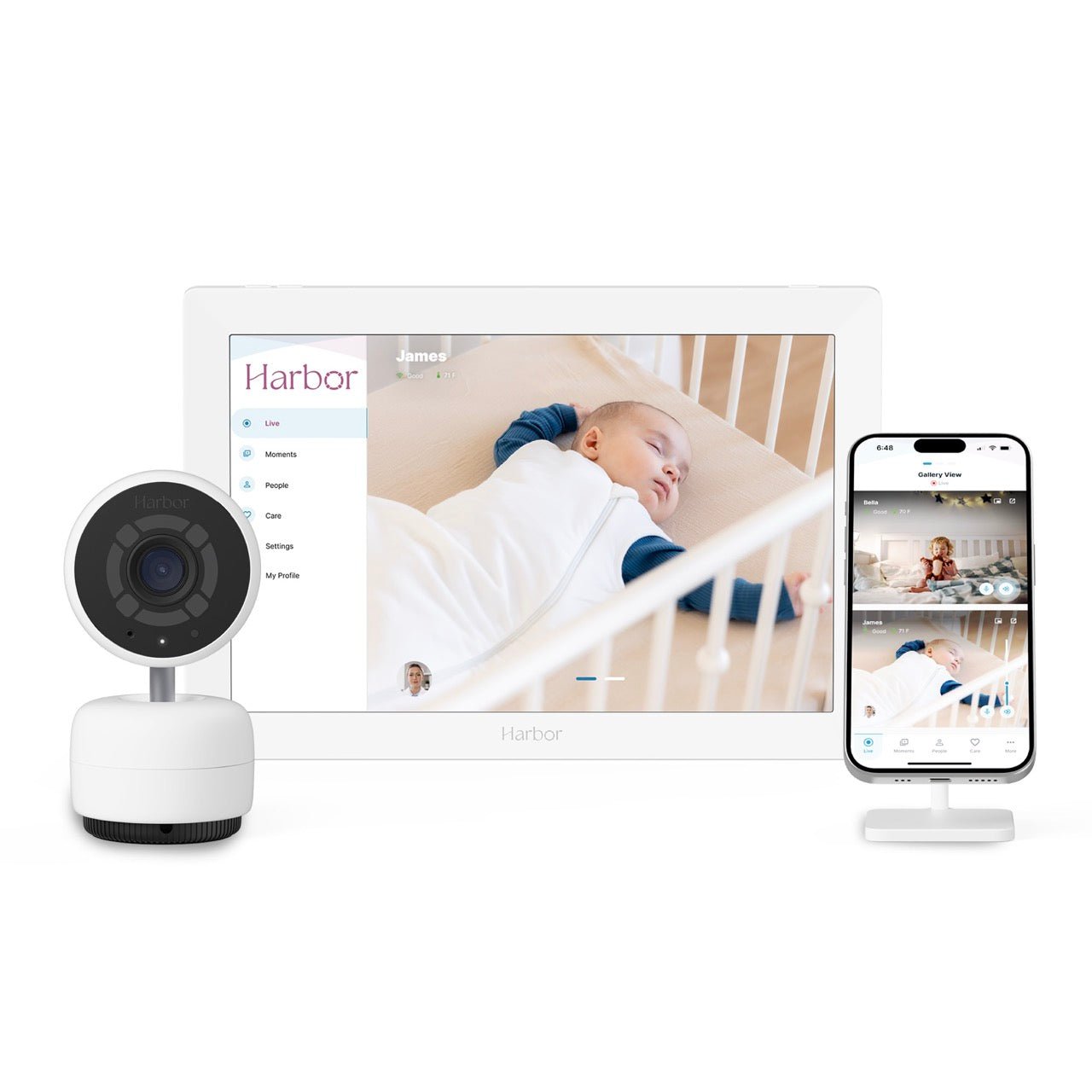
While using Harbor in your hotel, you will be able to use Direct Mode only where the Monitor is connected directly to your Camera. Direct Mode is currently limited to 50 feet in range.
You will not be able to connect to WiFi during your stay. This use of Harbor through your hotel is only meant to for connecting or adjoining rooms so you can keep an eye on your little one in the room next door. Do not leave your children unattended or leave your room.
How to Setup
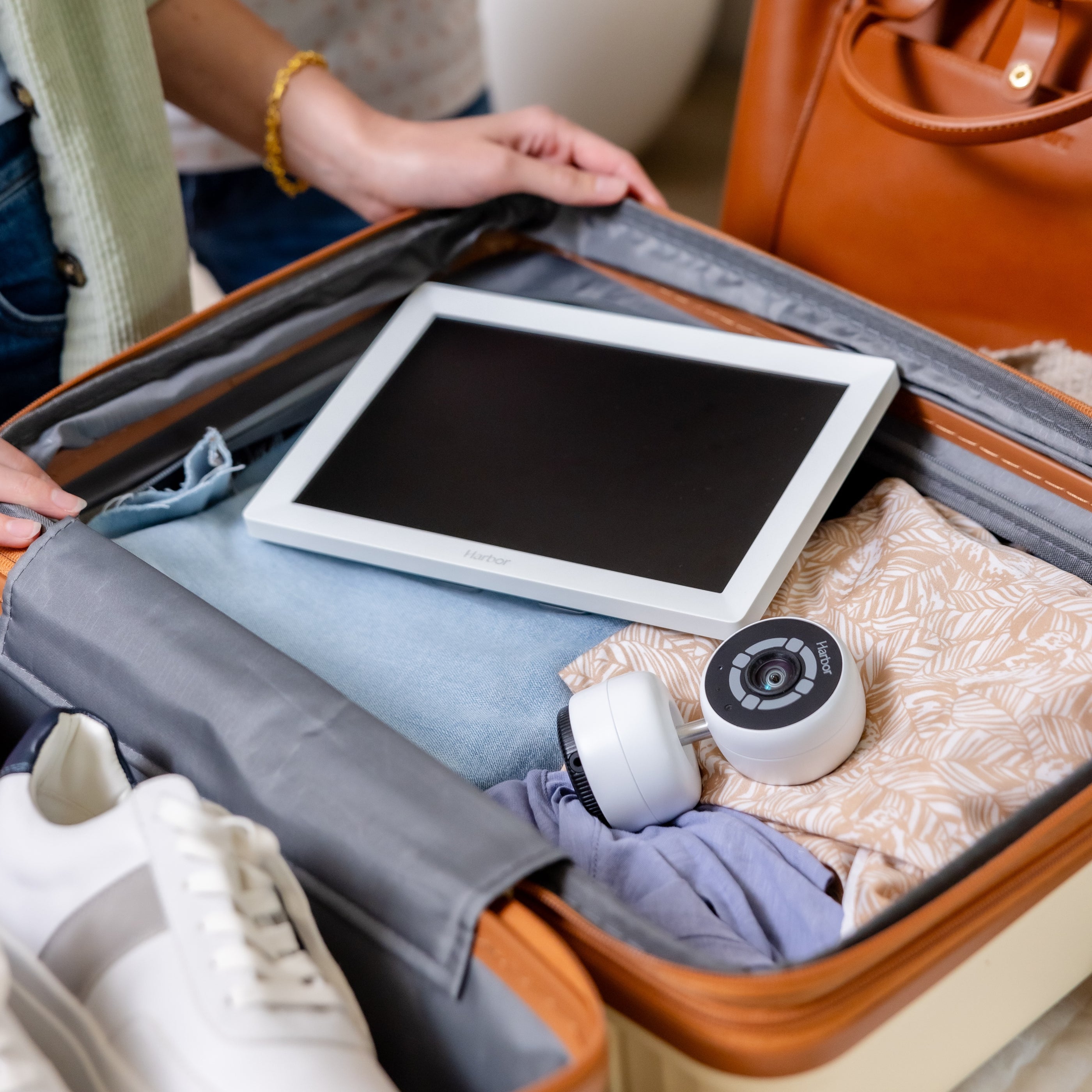
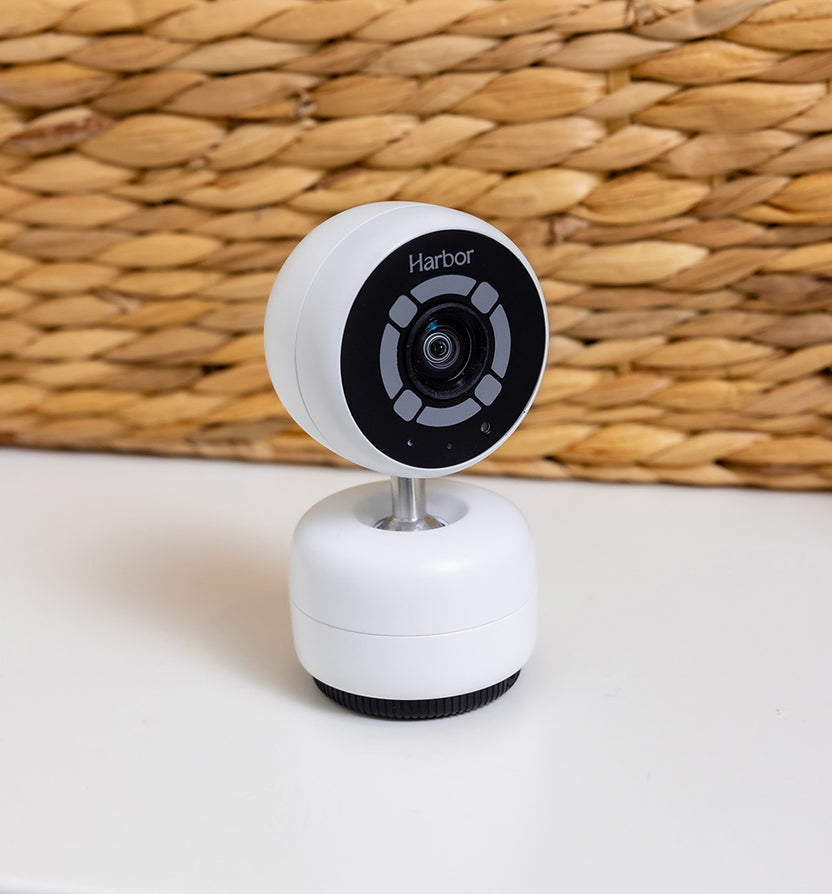
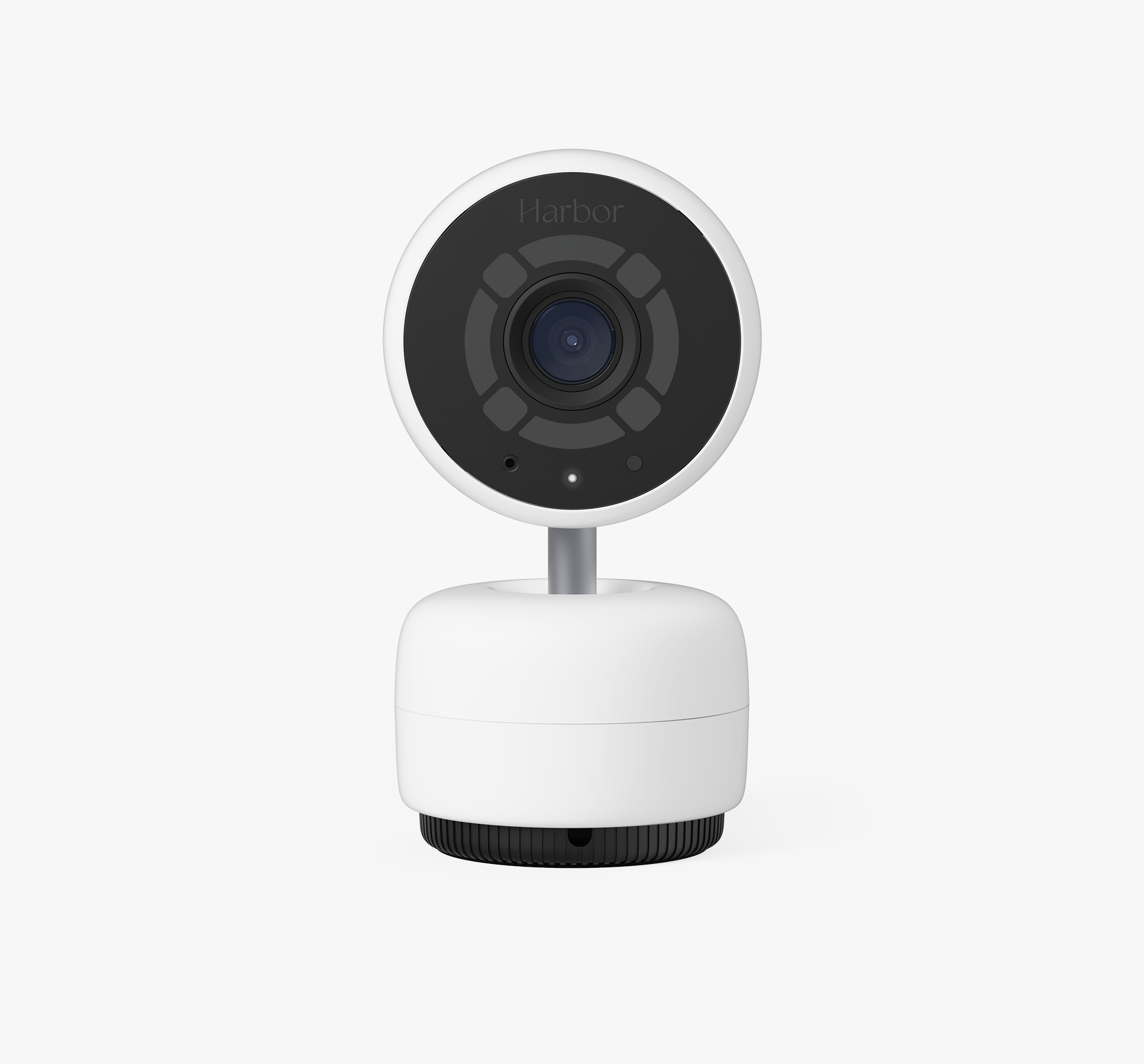
Simply plug in your Camera and power on the Monitor. The Monitor has a battery life of approximately 12 hours.
Harbor Features
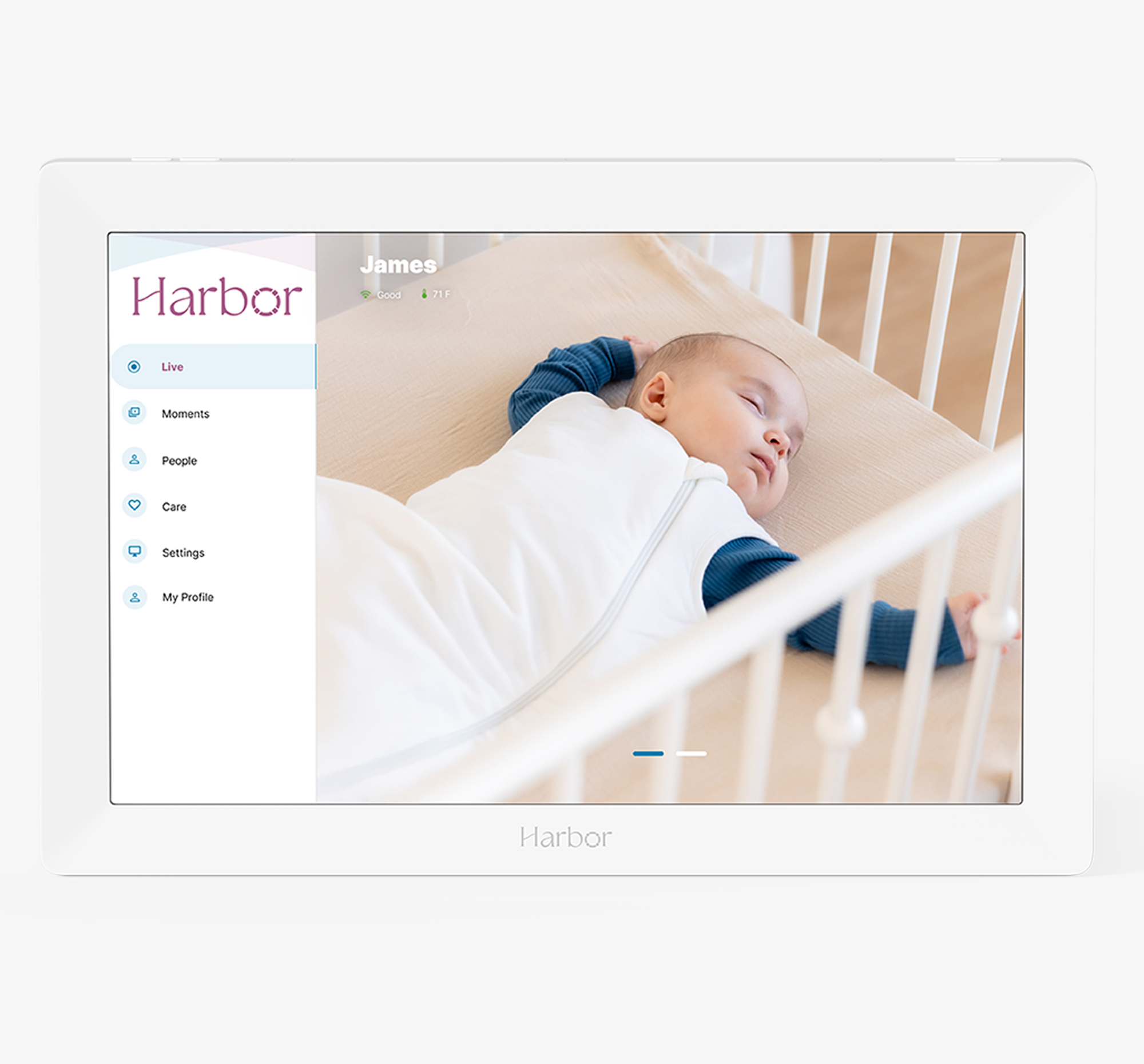
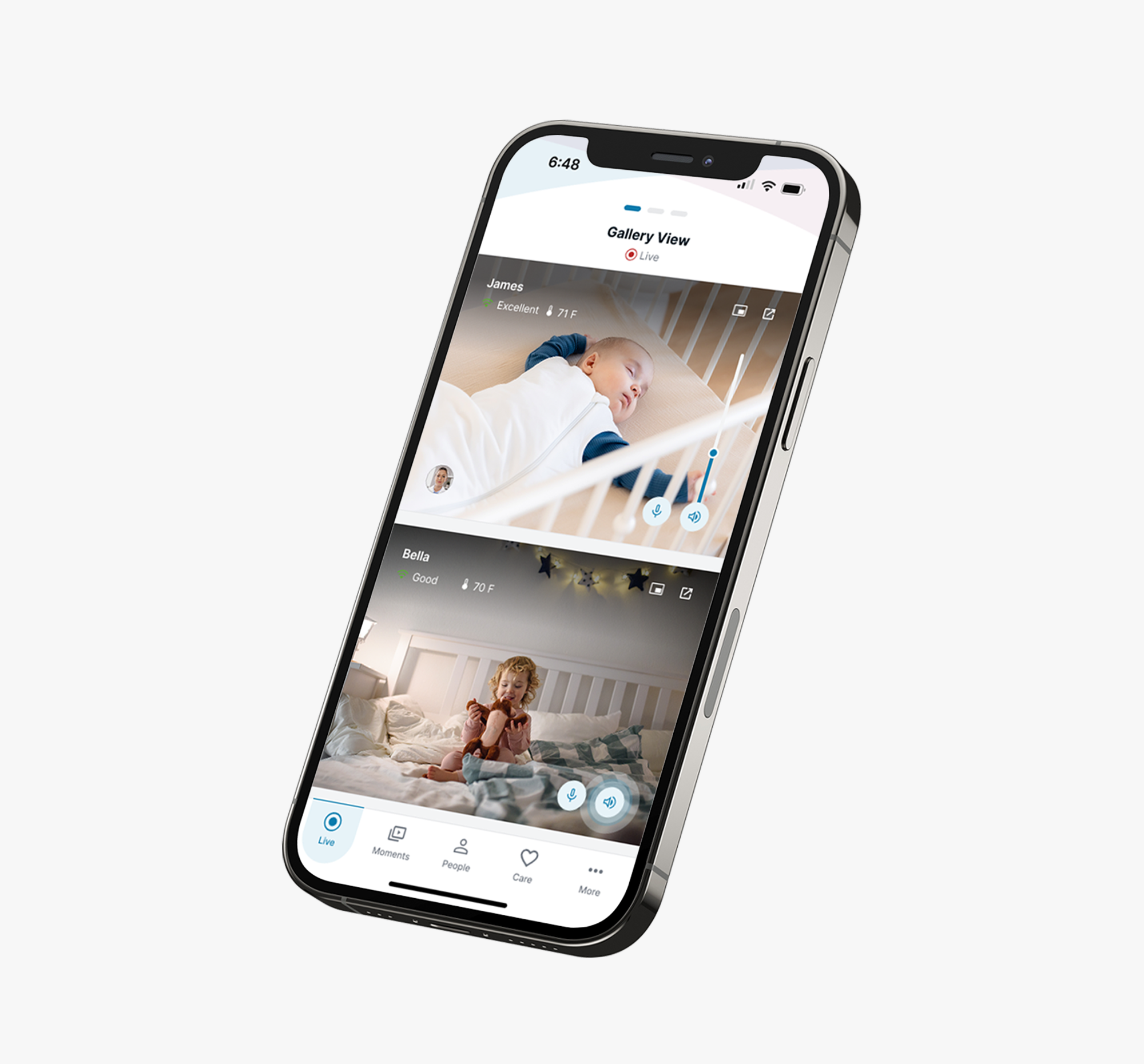
Audio Options, Smart vs. Constant (top right of Monitor):
- Smart Audio: Hear only what matters! Set alerts to notify you based on volume, duration, and type of cry.
- Constant: Hear everything!
- Change your audio notification thresholds in settings: select the gear icon > Audio Anomaly Configuration > Add Configuration > Select Strategy: Volume only, or Volume & Duration > Select type of cry > Save
Volume Controls (bottom right of Monitor):
- Mute by pressing once on the volume icon
- Increase or decrease volume by long pressing on the volume icon
- 2-Way Talk: press and hold on the microphone button
Recommendations
- Place the Camera on a steady surface near an outlet.
- Ensure any cords are a minimum of 3 feet away from your child and properly secured.
- Always follow safe sleep guidelines and never leave children unattended.